Thoughtfully built Tally Synchronisation
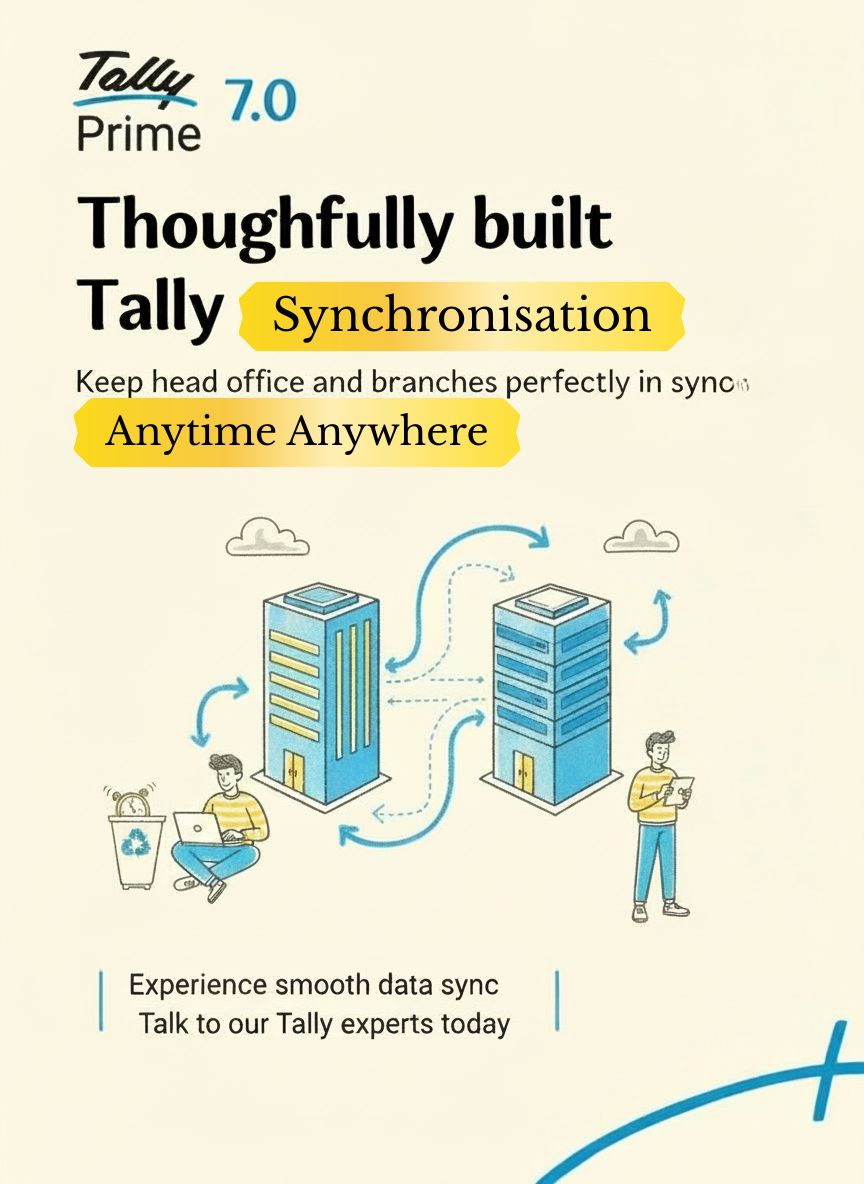
Tally Synchronisation keeps your UAE head office and branches perfectly in sync, so everyone works on accurate, real‑time data without sharing backup files.
- Automatic voucher and master exchange between multiple TallyPrime locations.
- Centralised control at head office with branch‑wise and consolidated reporting.
- Secure sync over the internet using Tally.NET connectivity.
Ideal for businesses with branches in Dubai, Sharjah, Abu Dhabi and across GCC that need reliable, real‑time accounting and inventory information.
What is Tally Synchronisation?
Tally Synchronisation is a powerful feature of TallyPrime that exchanges data between different company locations, keeping ledgers, vouchers and stock perfectly aligned.
How it Helps UAE Businesses
- Automatically sends and receives vouchers between head office and branches.
- Supports one‑way or two‑way sync based on your approval process.
- Lets head office control masters while branches focus on daily transactions.
- Reduces errors caused by manual imports, emails and multiple backups.
Best Fit Scenarios
Tally Synchronisation is ideal when your business operates from multiple locations but wants consolidated books and management reports available at head office.
- Trading and distribution companies with warehouses and retail outlets.
- Contracting and project companies with site offices across UAE.
- Service organisations with regional branches or franchisees.
Tally Synchronisation Setup by Techzon
Techzon Technologies FZC designs and implements the right synchronisation model for your organisation, ensuring stable connectivity and simple day‑to‑day operation.
Our Implementation Steps
- Study your current TallyPrime data structure and branch network.
- Design master ownership and sync rules for each location.
- Configure and test sync jobs between head office and branches.
- Train your accounts team on how and when to run synchronisation.
Recommended Add‑Ons
- Tally on Cloud for secure anywhere access and simpler networking.
- TallyDrive cloud backup to protect all synced company data.
- Custom reports for branch‑wise profitability and stock ageing.
Quick answers about Tally Synchronisation
Direct answers for UAE businesses managing Tally data across branches.
What is Tally Synchronisation?
Tally Synchronisation moves selected masters and transactions between branch and head office data so management can view consolidated information.
Who needs Tally sync in UAE?
It suits companies with warehouses, retail outlets, site offices or regional branches that maintain Tally data in multiple locations.
What should be planned before sync?
Master ownership, voucher flow, connectivity, backup routines and user responsibility should be defined before synchronisation is enabled.
Can Techzon configure it?
Yes. Techzon studies your branch structure, configures sync rules, tests data movement and trains users on daily operation.